
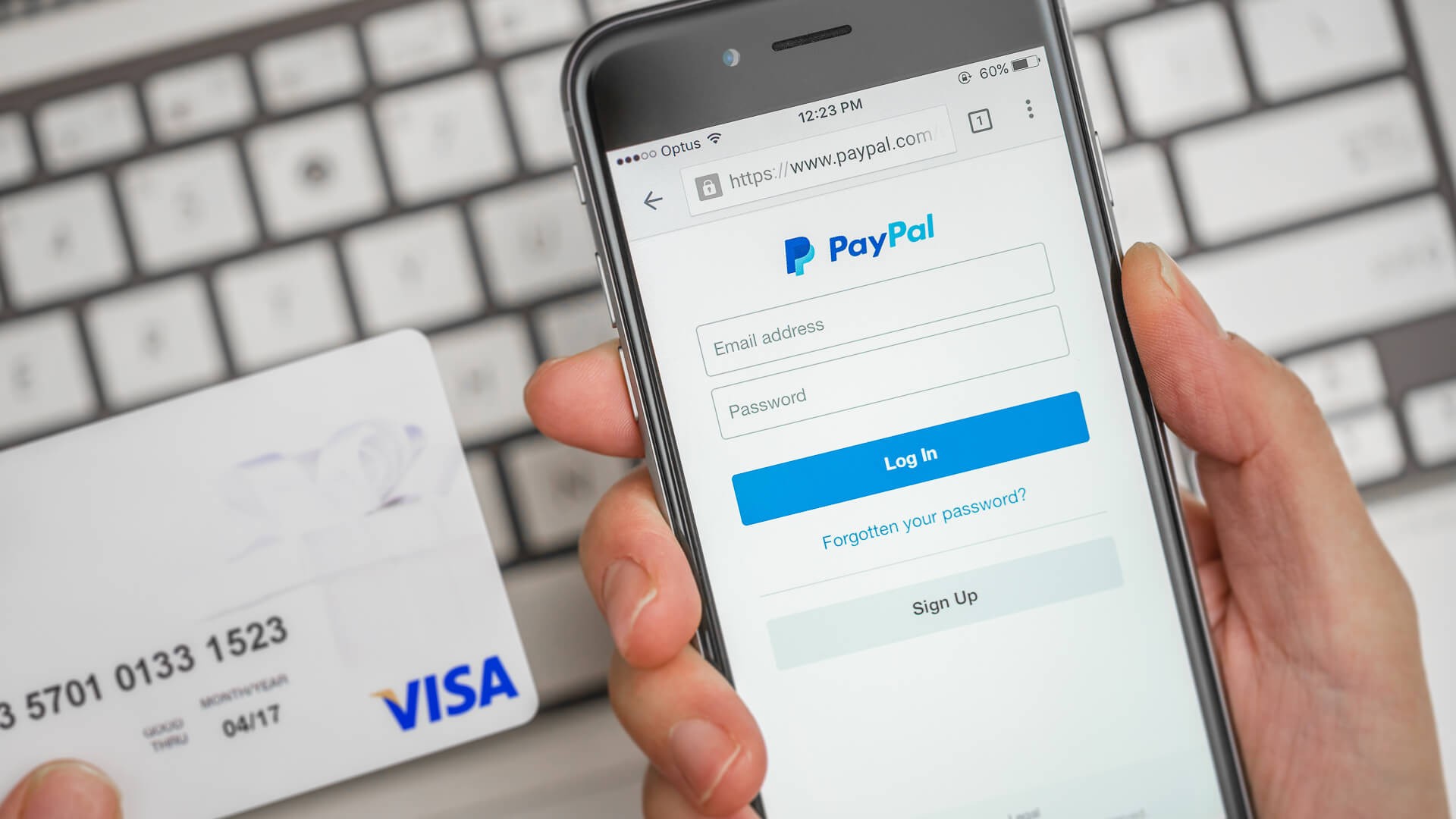
PayPal remains a dominant force in digital payments, and its “Friends & Family” feature is one of the simplest ways to send money to people you trust. This method is designed for personal transactions – reimbursing friends, splitting bills, or gifting money – but it comes with key differences from PayPal’s standard “Goods & Services” option. Here’s a breakdown of how it works, when to use it, and what to watch out for.
Understanding PayPal Friends & Family
The core principle behind Friends & Family is trust. Unlike commercial transactions, these transfers assume you know the recipient well enough that no buyer or seller protection is needed. This keeps costs down, but it also means PayPal won’t intervene if something goes wrong. If you send money to the wrong person or the recipient doesn’t deliver on their end, you likely won’t get a refund.
When to Use Friends & Family
This method is ideal for everyday personal exchanges:
- Paying back a friend for dinner.
- Splitting rent with a roommate.
- Sending a gift to family.
- Collecting funds for a group gift.
The key is that both parties should have an existing relationship where trust is already established.
Friends & Family vs. Goods & Services: The Key Differences
PayPal’s “Goods & Services” option introduces extra layers of protection. It includes:
- Purchase Protection : If you buy an item and it never arrives or is not as described, PayPal may reimburse you.
- Seller Protection : Merchants are covered against fraudulent claims from buyers.
- Fees : Sellers typically pay extra fees when using Goods & Services.
Friends & Family has none of these protections. It’s designed for situations where risk is minimal because you know the recipient personally. Using it for commercial transactions violates PayPal’s policies and can result in restrictions on your account.
How to Send Money Using Friends & Family
The process is straightforward:
- Log in to PayPal via its website or mobile app.
- Select “Send and Request ” (desktop) or “Payments ” (app).
- Enter the recipient’s email, phone number, or PayPal username. Double-check the details to avoid sending money to the wrong person.
- Choose “Friends & Family ” from the payment options.
- Enter the amount and add a note (e.g., “Pizza night”).
- Select your funding source (linked bank, PayPal balance, or debit/credit card).
- Review and confirm before sending.
Transaction Limits & Restrictions
PayPal sets transaction limits based on account verification status. Verified accounts generally have higher limits. It’s crucial to only use Friends & Family for non-commercial transfers. Business accounts cannot receive Friends & Family payments, but can send them.
Fees & Currency Exchange
PayPal charges no fees for Friends & Family transfers funded by a linked bank account or PayPal balance. However, there are costs associated with:
- Currency exchange : PayPal applies a markup to its exchange rates, typically 3-4% above the base wholesale rate.
- Cross-border transactions : A percentage fee (around 5%) is charged for international transfers, capped at $4.99 in the U.S.
Alternatives to PayPal Friends & Family
If you need more security for a transaction, consider alternatives like:
- Zelle : Direct bank-to-bank transfers with some fraud protection.
- Venmo : Popular for splitting bills, but also lacks robust purchase protection.
- Cash App : Similar to Venmo, with limited buyer safeguards.
Final Thoughts
PayPal Friends & Family is a convenient way to send money quickly and without fees, but only if you trust the recipient. The absence of buyer protection means you’re on your own if something goes wrong. For transactions with unknown parties, always use the Goods & Services option to ensure your funds are protected.