
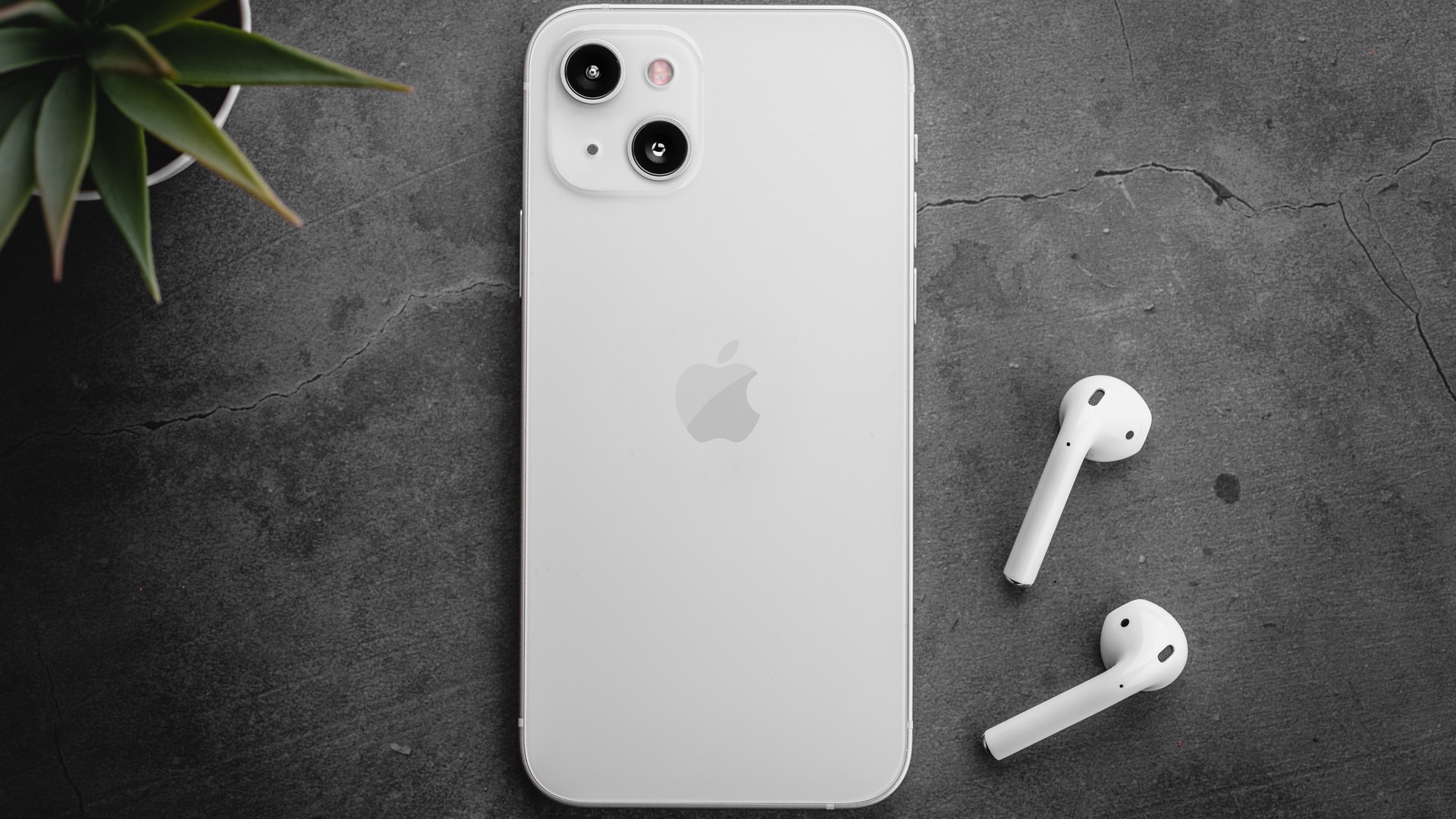
Apple Cash is a convenient digital tool that allows users to send and receive money directly through an iPhone. However, because the funds live within the Apple Wallet ecosystem, you must take specific steps to move that money into your traditional bank account.
Depending on whether you prioritize speed or cost, you have two primary ways to move your funds.
Understanding Apple Cash vs. Apple Pay
It is common to confuse these two services, but they serve different functions:
* Apple Cash is the storage : It is a digital card within your Wallet where your balance resides.
* Apple Pay is the mechanism : It is the technology that allows you to use your cards (including Apple Cash) to make contactless payments in stores or online.
Option 1: Standard Bank Transfer (Free)
If you are not in a rush, the standard transfer is the best choice because it incurs no fees.
How to transfer on an iPhone:
- Open the Wallet app.
- Tap your Apple Cash card.
- Tap the three-dot icon (More) in the top right corner.
- Select “Transfer to Bank.”
- Enter the amount you wish to move (between $1 and $10,000).
- Tap “Next” and select Standard Transfer.
- Confirm the transaction.
Timeline: Your funds will typically arrive within 1–3 business days. Please note that bank holidays may cause delays.
How to transfer on an iPad:
- Go to Settings.
- Tap “Wallet & Apple Pay.”
- Select your Apple Cash card.
- Tap “Transfer to Bank,” enter your amount, and confirm.
Option 2: Instant Debit Card Transfer (Fastest)
If you need your money immediately, you can transfer it to a Visa or Mastercard debit card. This method is significantly faster but comes with a service fee.
How to set up an instant transfer:
- Add your debit card: Open the Wallet app, tap the “+” button, and follow the prompts to add your card. Note: Your bank may require identity verification via their own app.
- Execute the transfer: Follow the same steps as the standard transfer, but when prompted, select “Instant Transfer” instead of “Standard.”
- Confirm: Choose your debit card and complete the process.
Timeline: Funds are usually available within 30 minutes, though they can sometimes be instant.
⚠️ Fee Alert: Instant transfers incur a fee of 1.5% of the transfer amount. This fee is subject to a minimum of $0.25 and a maximum of $15.
Key Limits and Restrictions
Account Balances
- Standard Accounts: Can hold a maximum of $20,000.
- Apple Cash Family (Minors): Can hold a maximum of $4,000.
Age-Based Restrictions for Minors
The ability to move money depends on the user’s age:
* Under 13: Can only transfer funds to a bank account.
* 13 and older: Can transfer funds to either a bank account or an eligible debit card.
Comparison: Apple Cash vs. Other Platforms
If Apple Cash does not meet your specific needs, several other digital payment platforms offer different advantages:
| Platform | Best For… | Key Feature |
|---|---|---|
| Venmo | Social payments | Widely used for splitting bills with friends via a social feed. |
| Zelle | Speed & Integration | Often built directly into banking apps; typically fee-free. |
| PayPal | Versatility | Works across both iOS and Android; excellent for online shopping. |
Frequently Asked Questions
Why is my transfer pending?
A transfer may stay “pending” if your bank details haven’t been fully verified or if Apple is conducting a security review to prevent fraud. For instant transfers, connectivity issues can also cause delays.
Can I cancel a transfer once it is sent?
No. Once a transfer is initiated, it cannot be canceled. If you realize you entered the wrong bank details, you should contact your bank immediately. While Apple cannot reverse the transaction, your bank may be able to assist if the funds have not yet been deposited into a verified account.
What happens if I enter the wrong bank details?
If the details are incorrect, the transaction will likely decline, and the money will return to your Apple Cash balance. However, if the details belong to another verified account, the money may be sent successfully. In this rare case, you must contact your bank immediately to attempt recovery.
Summary
To move your money, choose the Standard Transfer for a free experience that takes 1–3 days, or use an Instant Transfer to a debit card for a small 1.5% fee if you need funds within 30 minutes.